Start with Docker
Self-hosting needs the relay source or an image; those are not publicly distributed today. Email silicoville@gmail.com to request them. The Docker and nginx examples below are for after you have the source. For production, use your own random tokens — never reuse the sample values.
# After you have the source, build and run from that directory:
docker build -t mycel-dropt-relay .
docker run --rm -p 8787:8787 \
  -e DROPT_RELAY_WRITE_TOKEN="replace-with-random-write-token" \
  -e DROPT_RELAY_DRAIN_TOKEN="replace-with-random-drain-token" \
  mycel-dropt-relay
Token roles
DROPT_RELAY_WRITE_TOKEN: phone clients use this to write encrypted messages.DROPT_RELAY_DRAIN_TOKEN: the desktop app uses this to fetch and delete messages.
These tokens are relay access control, not decryption keys. Do not commit them to a public repo or leave them in screenshots.
nginx reverse-proxy example
server {
  server_name relay.example.com;

  location / {
    proxy_pass http://127.0.0.1:8787;
    proxy_set_header Host $host;
    proxy_set_header X-Forwarded-Proto $scheme;
    proxy_set_header X-Forwarded-For $proxy_add_x_forwarded_for;
  }
}
Security boundary
- Relay stores encrypted payloads and queue metadata only.
- After a successful desktop drain, relay deletes the matching queue item.
- If relay is exposed to the public internet, use HTTPS and keep tokens in server environment variables.
- If a token leaks, rotate it immediately and restart the service.
Connect Mycel
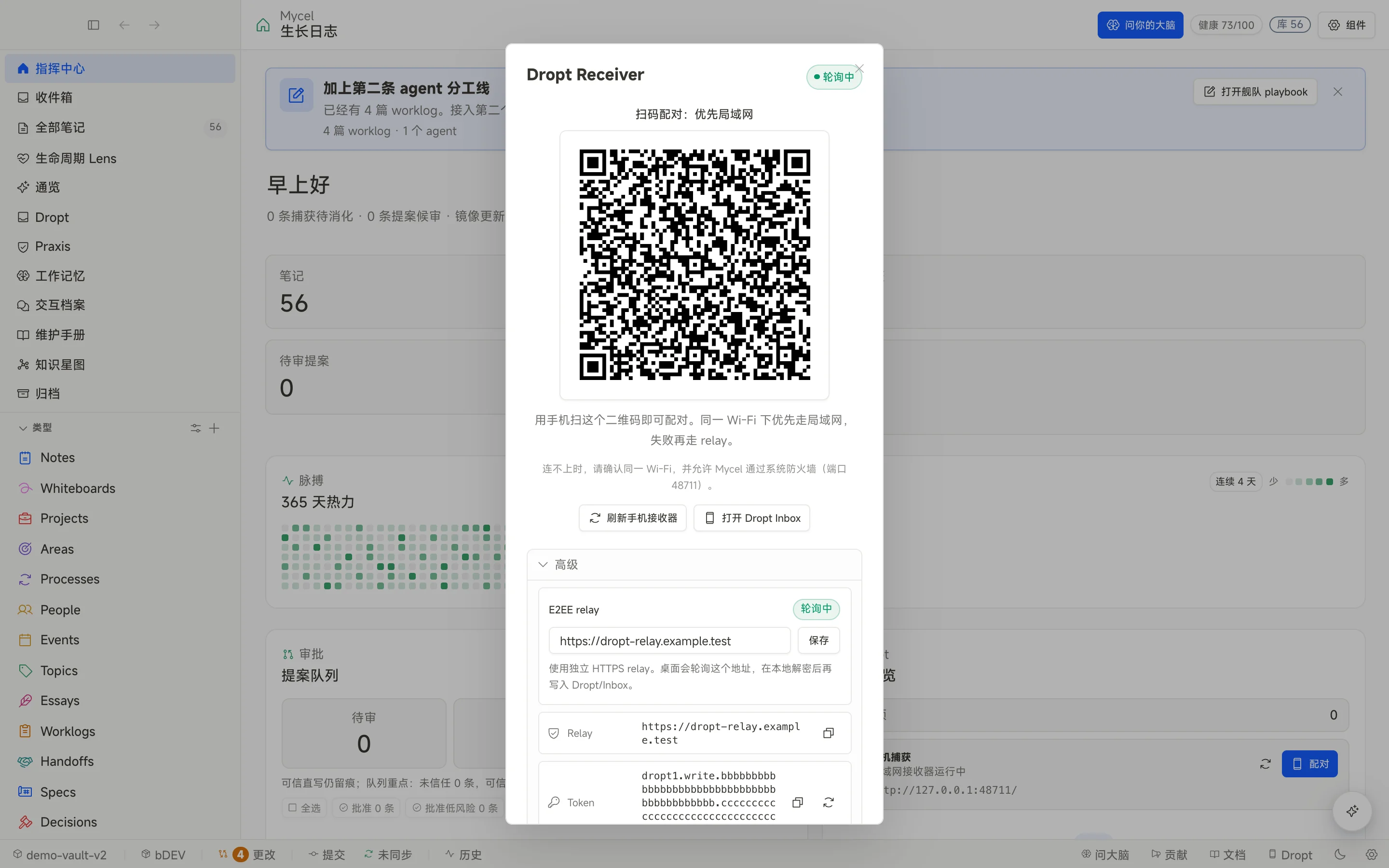
In desktop phone-capture or Dropt settings, enter the relay URL and tokens. After the phone submits through the pairing page or share path, the desktop drains the relay and writes into the local vault.